If you run Oracle Enterprise Manager, there is a good chance it is not the only database console you run. The Oracle estate lives in Oracle EM, and somewhere alongside it MySQL, SQL Server, or Db2 lives in a second tool, a vendor console, or a set of scripts someone wrote years ago. Many of us have carried that split for so long it stopped feeling like a problem.
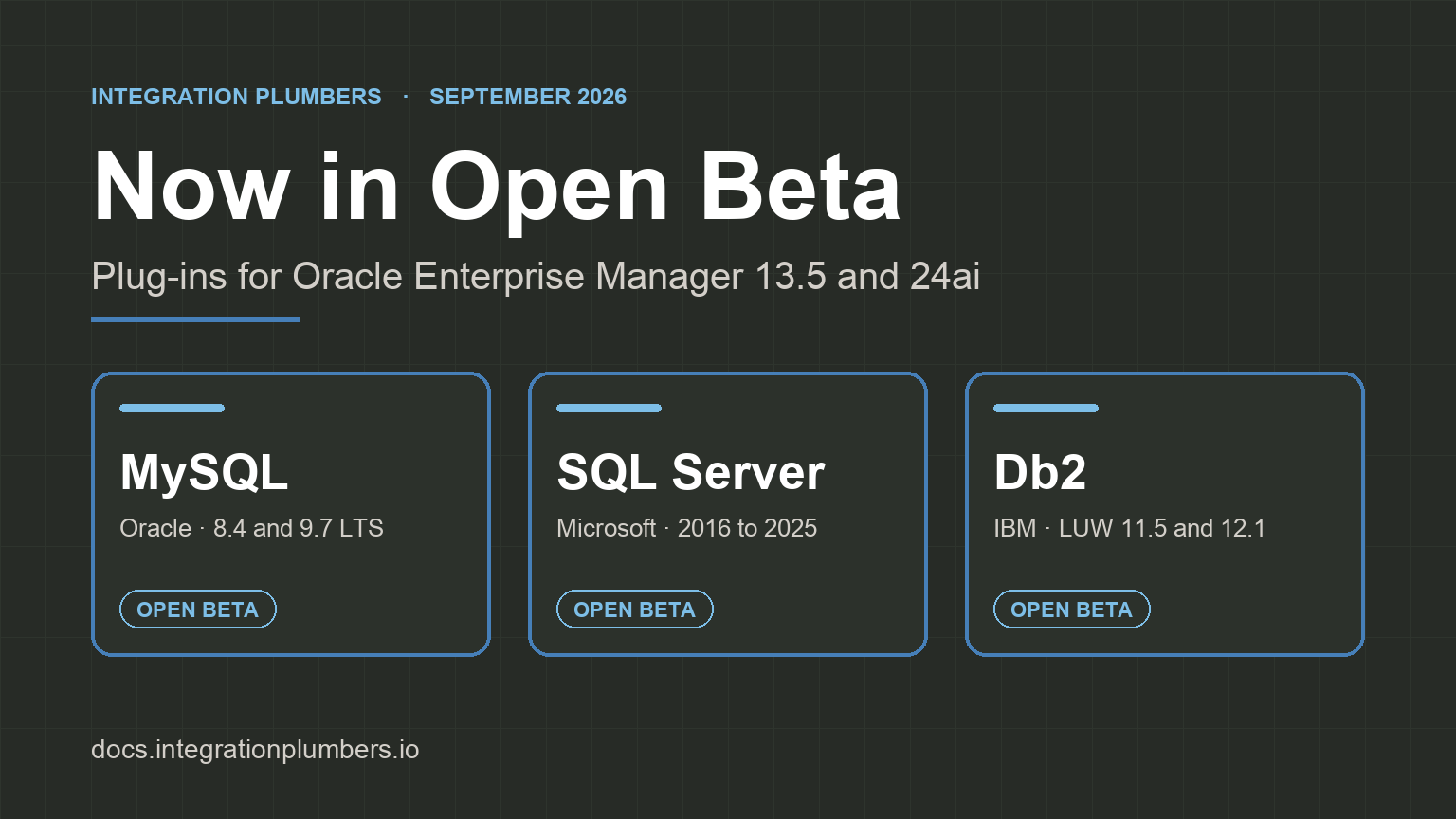
As of today, all three of our plug-ins for those engines are in Open Beta. The MySQL Plug-in, the Microsoft SQL Server Plug-in, and the DB2 Plug-in for Oracle Enterprise Manager can each be installed on your own Oracle EM, 13.5 or 24ai, against your own non-production estate, with a beta license key we issue when you sign up. Every metric group, threshold, compliance rule, and console page in them has been deployed and exercised against live targets in our lab. What a beta cannot have yet is the breadth of validation that only other people's environments provide, and that is what we are asking you for.
This post has a short profile of each plug-in, a note on what Open Beta means in practice, and the four steps to get involved.
MySQL Plug-in for Oracle Enterprise Manager
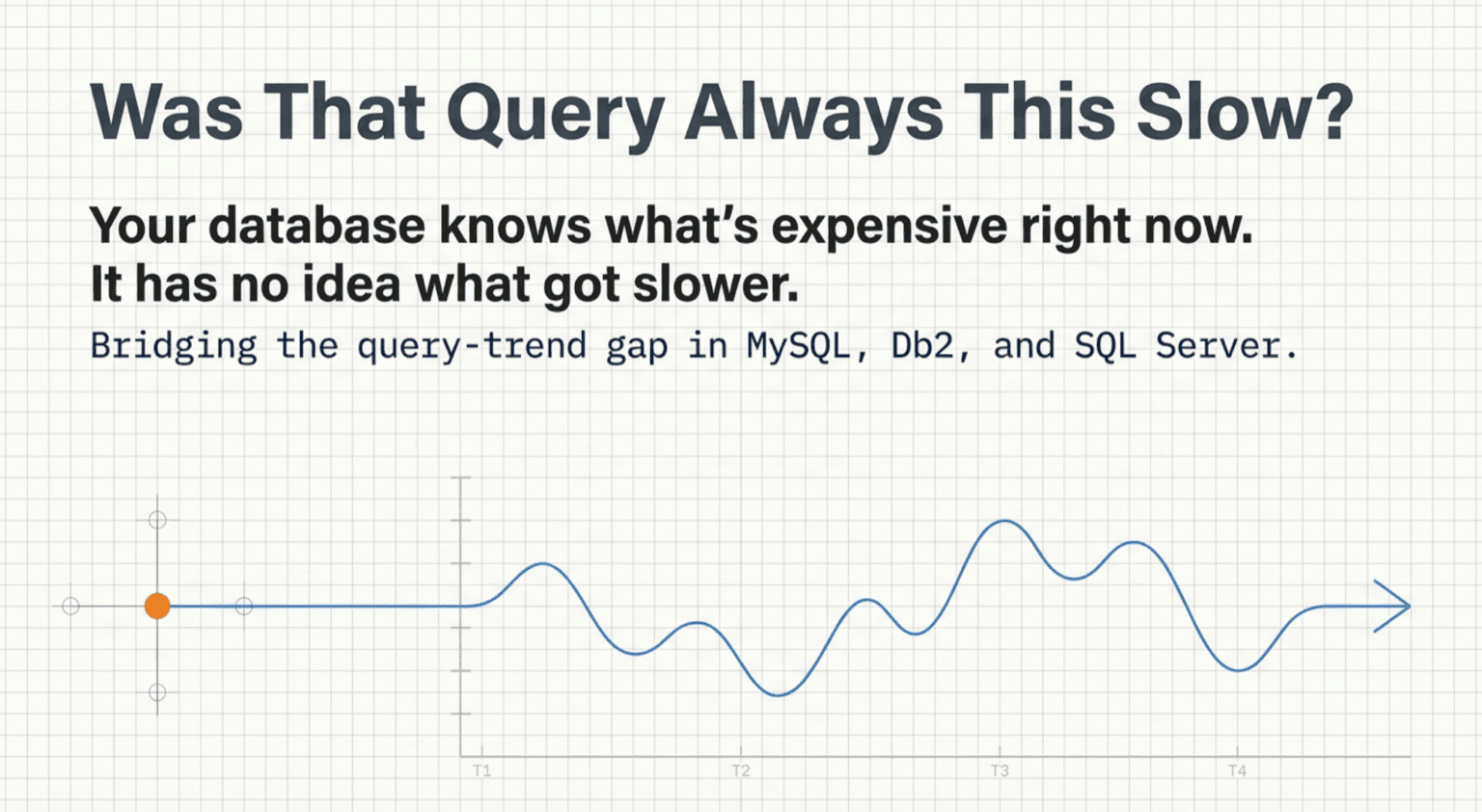
The MySQL plug-in adds three target types: MySQL Database for a single server, MySQL Cluster for an InnoDB Cluster and the Group Replication group behind it, and MySQL ClusterSet for a primary cluster and its replicas. Across them it ships 22 console pages, including a Query Analyzer that runs EXPLAIN against any current statement on demand and a Query Analytics Trends page that keeps per-digest latency and execution history in the Oracle EM repository, so "was this query always this slow" has an answer. Backup visibility reads what MySQL Enterprise Backup and Percona XtraBackup record in the server itself, and the ClusterSet DR Health page gives a promotion-readiness verdict that matches what MySQL Shell reports.
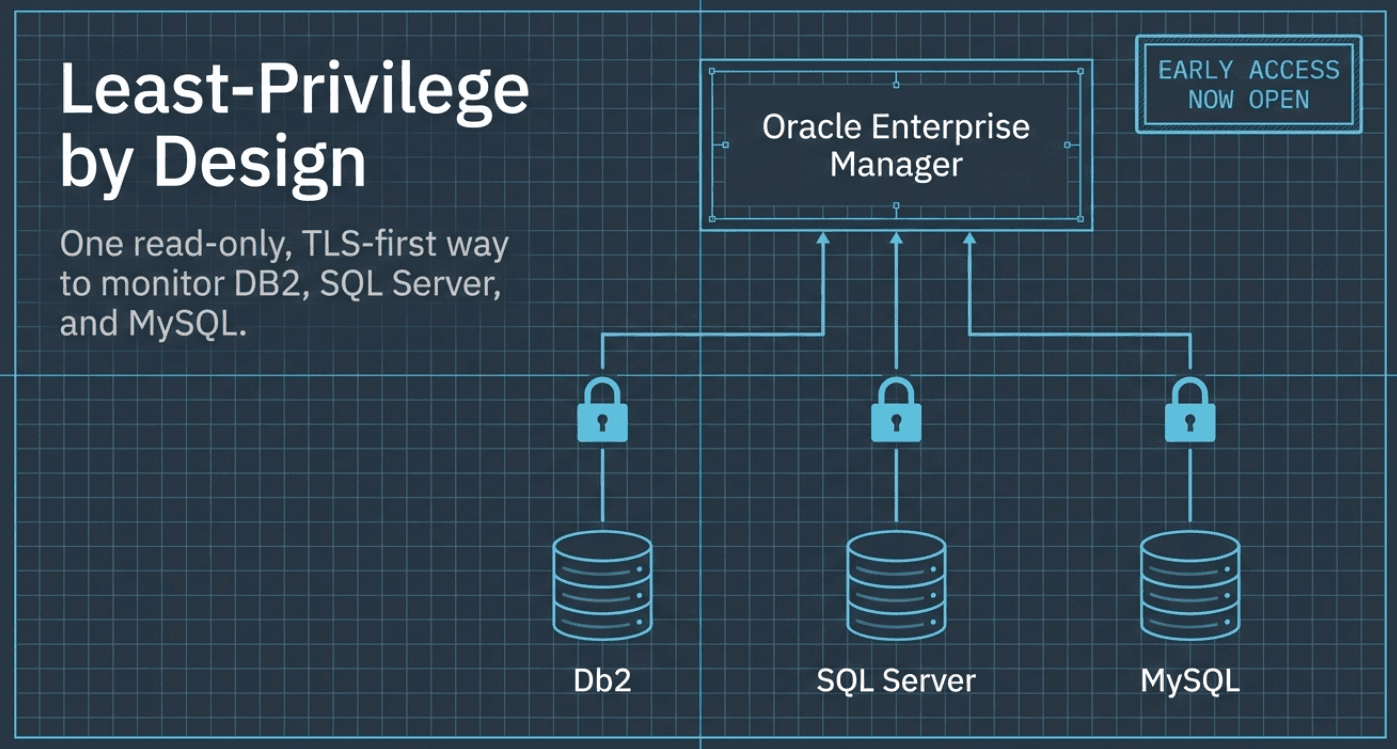
It is certified on MySQL 8.4 LTS and 9.7 LTS, with 8.0 supported and continuously exercised in our lab (8.0 reached end of life in April 2026, so plan the upgrade). Twenty-one default thresholds ship enabled, and a compliance framework of five standards and 65 rules covers security hardening, administration, replication, performance, and schema. Collection runs from a Linux management agent over JDBC using an ordinary read-only account with SELECT, PROCESS, and REPLICATION CLIENT, and TLS in required mode fails closed rather than quietly falling back to plaintext. The JDBC driver, MySQL Connector/J, is licensed separately and does not ship inside the plug-in: you place one copy on each agent host before you deploy (8.4.0 is the tested version), and the prerequisites page has the download, checksum, and directory. If you came to Oracle EM from MySQL Enterprise Monitor, the earlier post on that transition explains where this plug-in picks up.
MySQL plug-in user guide · Product page
Updated September 18, 2026: the current MySQL beta build reads Connector/J from the agent host rather than bundling it, and adds a Top Waits page and two default thresholds. The counts above reflect that build.
Microsoft SQL Server Plug-in for Oracle Enterprise Manager
One plug-in and one target type cover SQL Server 2016 through 2025, on Windows or Linux hosts, monitored from a Linux or Windows management agent that does not have to sit on the SQL Server host. It collects 69 metric groups into eight console pages: Overview, Databases, Performance, Queries, Deadlocks, Indexes, Analysis, and AG Failover Readiness. That last page answers a question the built-in dashboards do not: if you failed over right now, what would it cost. One row per database per secondary, with synchronization state, recovery point, recovery time, and redo and send queue sizes, folded into a readiness verdict.
Ten job types let you act on what you find without leaving the console: native T-SQL backup and restore, delete backup, create index, availability-group failover, kill session, and service start, stop, pause, and resume. Fourteen default thresholds ship enabled, and fourteen compliance rules evaluate against configuration the plug-in already collects, including one that flags instances at or past Microsoft's end of support, which today means SQL Server 2016 and earlier. Monitoring never needs sysadmin, encryption is on by default, xp_cmdshell stays off, and the JDBC driver ships inside the plug-in, so there is nothing to stage on the agent.
SQL Server plug-in user guide · Product page
DB2 Plug-in for Oracle Enterprise Manager
The Db2 plug-in makes IBM Db2 for Linux, UNIX, and Windows a first-class Oracle EM target, with 12.1 certified and 11.5 supported while live certification completes. It is a new product rather than an upgrade of any prior Db2 plug-in, and because it registers its own target type it can run side by side with whatever you monitor Db2 with today while you cut over database by database. Every collection goes through Db2's MON_GET_* monitoring table functions, never the discontinued SNAP_GET_* interfaces, using a monitoring user granted CONNECT and SQLADM and nothing more. That user can see how the database is behaving and cannot read a single row of what is in it.
Three native console pages ship in this release: Home; Analysis, where lock contention is broken down by blocked and blocking application with a Kill Application button; and Performance, for buffer pool, cache, transaction-log, and direct I/O detail. Under All Metrics you get the rest: backup, restore, and load history read straight from SYSIBMADM.DB_HISTORY with a failed-operation alert, per-tablespace growth forecasting with a days-to-full projection, top SQL by CPU time and execution count, and HADR role, state, and log positions with a takeover-readiness composite you can alert on directly. Twelve compliance rules across three standards cover configuration best practices, audit posture, and version lifecycle. The earlier Db2 post covers why the support runway makes now the time to sort this out.
Db2 plug-in user guide · Product page
What Open Beta means in practice
How to get involved
- Sign up for the beta you want: MySQL, SQL Server, or Db2. Tell us your Oracle EM line (13.5 or 24ai), the engine versions you run, roughly how many targets, and whether the agent will be local or remote. We reply within 24 hours to confirm your spot, and the artifact for your Oracle EM line and your beta license key come from us directly.
- Read the Getting Started page and the Open Beta notice for your plug-in: MySQL, SQL Server, or Db2. The notice lists what is verified, what is not yet, and the known limitations, so you know what is worth reporting before you install.
- Install it the standard way. Create the read-only monitoring account, place the Connector/J driver on each agent host if you are installing the MySQL plug-in, import the OPAR, deploy to the OMS and then to the agents, add a target with the license key, and confirm the License metric reads Active. The Db2 guide includes a guided evaluation checklist that touches every page and metric family over a week.
- Send us what you find. Email helpdesk@integrationplumbers.io; every email opens a ticket you can follow in the customer portal. Include the plug-in version from
emcli list_plugins_on_server, your Oracle EM line, the engine version, and the page or metric group involved. Bugs, metrics that disagree with your previous tooling, thresholds that fire when they should not or stay quiet when they should, and unclear documentation all count.
What is most valuable right now is anything not already on the known-limitations lists: the Oracle EM 13.5 editions in real use, Windows integrated authentication on SQL Server, Db2 11.5 and HADR pairs, managed cloud databases such as RDS, and instances larger than a lab has.
The lab has done what a lab can do. The remaining distance to general availability is measured in other people's estates, and every ticket closes some of it. We covered what each plug-in monitors, what Open Beta commits you to, and the four steps to take part. If you carry MySQL, SQL Server, or Db2 alongside an Oracle estate, now is when your feedback changes what ships.